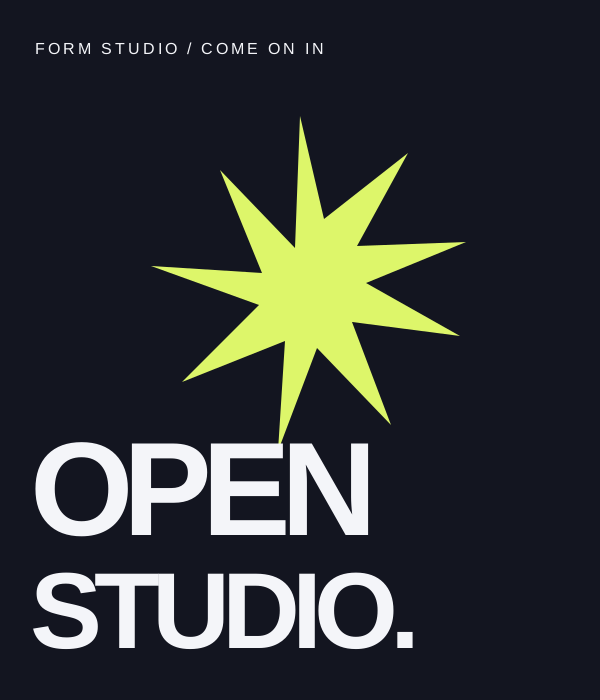
Make some noise. A new collection of experiments, fresh from the studio. Which one would you put on your wall?
Instagram01
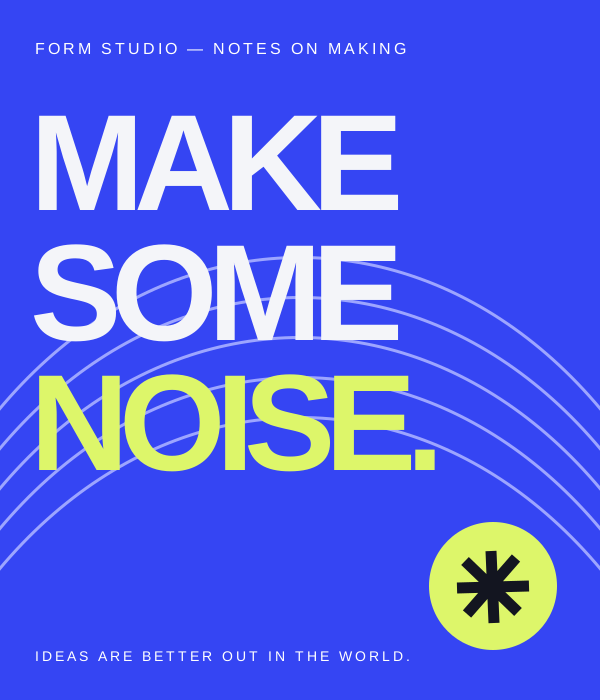
Make some noise.
Plan your content, tailor every post, and keep approvals moving. Bring your social channels into one workspace.
Your first 15 scheduled posts each month are free.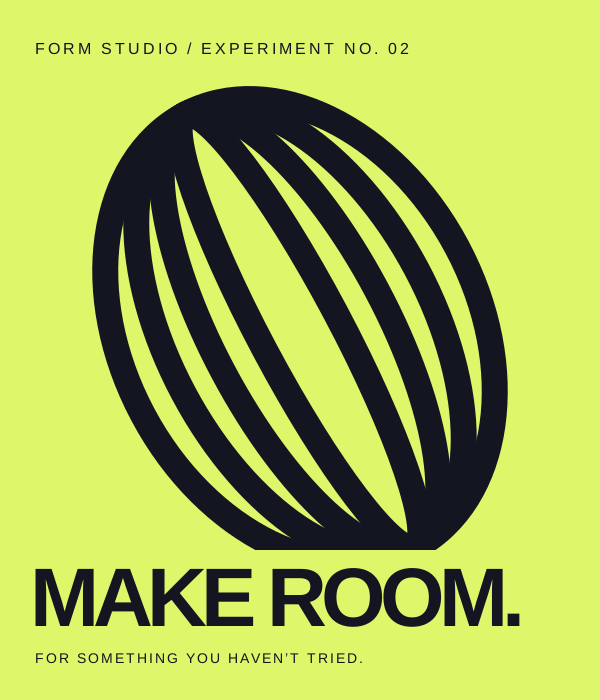

Make it yours. Shape the copy for each channel, find its place in the calendar, and get another pair of eyes before it goes out.
Schedule for Instagram, with a caption tailored to your audience.
Make some noise. A new collection of experiments, fresh from the studio. Which one would you put on your wall?
Edit your caption to update the post.
Add a post from Compose to plan your week.
Keep feedback with the post, so everyone knows what is ready.
Make some noise. A new collection of experiments, fresh from the studio. Which one would you put on your wall?
Review the post before publishing.
Keep the half-written caption and the next big idea in the same place. Tailor each post without losing what makes it yours.
Review publishing history and available reach and engagement metrics across connected accounts.
Schedule directly on supported channels. Use assisted publishing where the final step happens on the platform.
Connect your accounts, tailor each version, and schedule posts from Popkit.
Direct publishing through connected accounts. Available formats and account requirements vary by platform.
Send your copy and media to the platform’s publishing form. Review the details, then publish there.
Assisted publishing with Popkit Helper for Chrome and Edge. These channels do not support scheduling or batch publishing in Popkit.
Download and unpack the extension, then load the unpacked folder from your browser’s extensions page with developer mode enabled. Open the platform’s publishing page and review all details before you publish.
Bring drafts, scheduling and review into the tools you already use. Connect through the REST API or MCP.
Explore the developer docsFor getting your publishing routine started.
No payment to get started.
For a regular, growing publishing schedule.
Prepaid monthly. No automatic renewal.
For teams managing publishing together.
A custom quote for your team.
When your Pro plan expires, your account returns to Free. Your existing content and connected accounts stay in place.
Popkit supports direct publishing and scheduling for X, YouTube, TikTok, Instagram, Facebook Pages and Threads through connected accounts. Platform rules, formats and account requirements still apply.
Prepare your content in Popkit, then use Popkit Helper to fill the publishing form on Douyin, RedNote or WeChat Official Accounts. You review the copy and media, then click Publish on that platform. Scheduling and batch publishing are not supported for these channels.
Yes. Start from one draft and tailor the text for each platform before publishing. Use AI Assist when you need help with the wording.
No. Pro is prepaid: $12 for a month or $115 for a year. When the plan expires, your account returns to Free and keeps your existing content and connected accounts.
Popkit includes a review and approval workflow. The Business plan includes unlimited approvals and up to 10 team members with roles. Contact us to discuss your team’s needs.
Yes. The REST API and MCP integration cover publishing workflows including drafts, scheduling and approval. Read the developer docs ↗